

Isolated dev environments for Linux
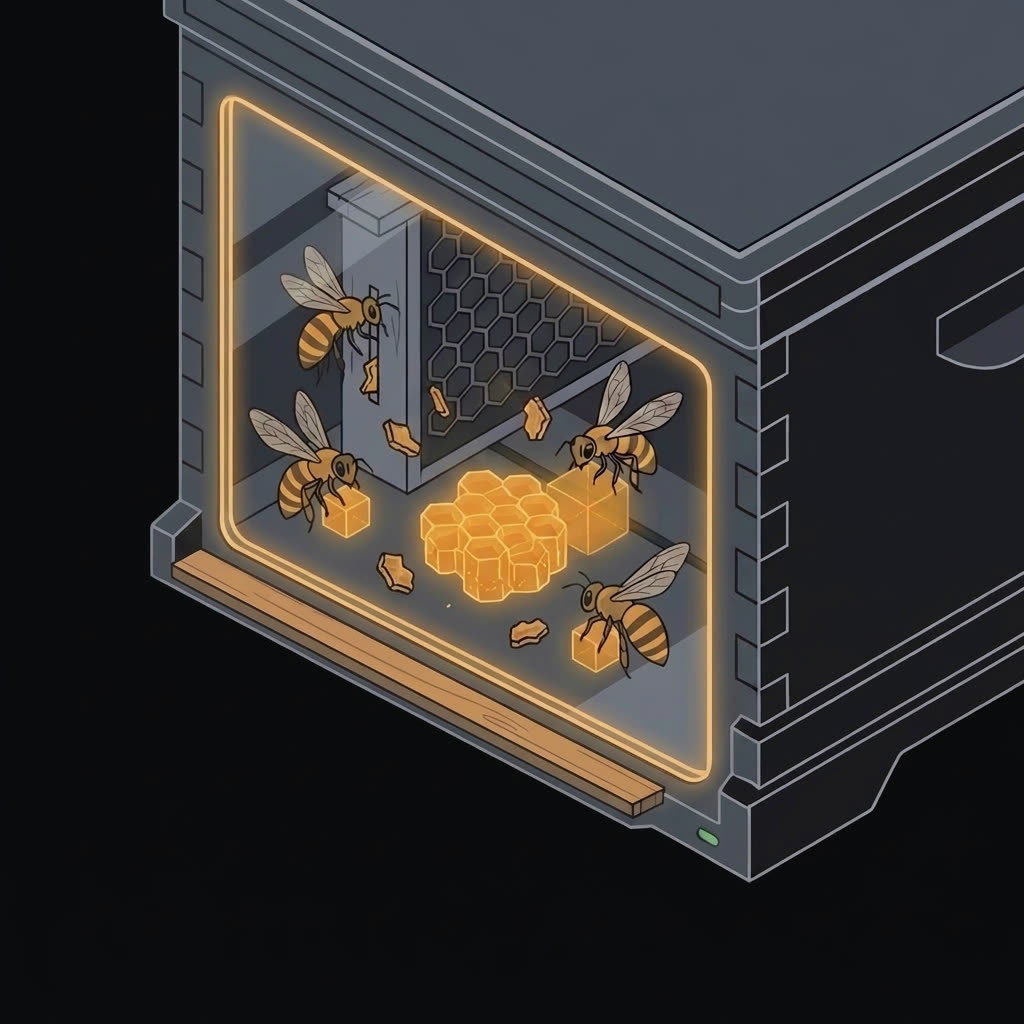
JailBee gives every git branch a full system container of its own: its own services, its own Docker daemon, its own IDE and browser, cloned copy-on-write from one golden image. Several stacks run in parallel on one host, out of each other's way.
pipx install jailbee
Linux host required — see Requirements.
jb new → jb tmux → jb git pull → jb destroy
One feature, start to finish. A branch gets a container of its own — dependencies synced, database seeded, dev server already listening. An agent works in it while the human checks the service from outside, and comes back to find the commit made. Then the commit moves to the host and the container goes away, each asking first.
Every command and every line of output is real. The two stretches marked ×6 are sped up; nothing else is edited.
jb dashboard · Enter · t · n
Several agents, one view. Waiting on an agent is the normal state. The table says which branch has something to look at — a commit landed, a working tree went dirty — and one key attaches to it. Detach, look at the next one, start a third.
Every command and every line of output is real. The two agents already at work were given their tasks before recording started. The stretches marked ×3 and ×6 are sped up; nothing else is edited.
Port 8080 is taken. The second branch's dev server, database and Docker Compose project all want names the first branch already holds.
The database is shared. A migration written on one branch quietly changes what the other branch is testing against.
Switching costs twenty minutes. Stash, rebuild, reinstall, re-seed — and then do it again when you switch back.
Point a coding agent at a branch and it gets a container to itself. Three can be working at once, each against its own copy of the stack, and none of them can reach what the others are doing.
The work stays one project the whole time. Each container is a branch of your repository, commits travel straight back to it when a run is worth keeping, and a container that goes wrong is thrown away rather than untangled.

The question was never whether a container reaches the network — it is how wide you
leave the opening. jailbee net strict allows the hosts your build
actually needs, by name, and follows them as their addresses rotate underneath. The
filtering sits below the application, so an ssh or a database connection
is covered by the same list as a web request. jailbee net loose widens it
for a set time and reverts on its own, so nobody leaves it open by forgetting. It
shields the host from what runs inside — not the code inside from the world.
Some of what a container needs sits on the host rather than out on the network —
an adb server with a phone plugged into it, a database you already run. One line of
config makes it reachable on every container's own localhost, and
jailbee port opens or closes one on the spot. A forward goes around the
allowlist by design, so jailbee net status lists the open ones next to it:
the real size of the opening stays one command to read.
jb ide launches the JetBrains IDE that lives in the container onto your own
Wayland session. jb chrome does the same for a browser with its own
profile and its own localhost. jb gui opens a Qt dashboard that spans every
repo on the host. Working in one feels the same as working locally.
JailBee has first-class support for
Claude Code: turn it on
once and every container comes with it installed, sharing one login across the whole
project, allowed through its own network rules, and taught to drive
jailbee itself. The same mechanism reaches other terminal coding agents
too — see
supported agents
for the list and how to add your own. Have it start on its own and a container is
working the moment it boots.
The reason to run an agent here is that you stop having to be the safety mechanism. It normally stops to ask before anything consequential; in a container you can turn that off and let it work, because what it can break is the container — and how much that is, you decide in advance by choosing what the container gets to see.
A shortcut for git. Commits move straight between your computer and a branch's container, so you don't have to push to GitHub and pull again just to get code from one place to the other.
Docker, unchanged. Docker and Docker Compose run normally inside each container, so whatever you already use for local development keeps working as-is.
Set up once, not once per branch. Every container in a project shares the same downloaded packages, tool settings and logins. Configure something in one and the rest have it, and the fifth branch you open starts warm instead of fetching everything over again. Throwing a container away leaves all of it in place.
Fast to spin up, easy to run. New containers start in about a minute because they're cheap copies of one shared image, and a live dashboard shows every one of them across every project — and works them from there: a shell, the IDE, the pull request, a diff, without going to look the command up.
Submodules come along. If your project pulls in other repositories, they are set up for you in every new container and travel with your commits in both directions — nothing to prepare by hand on either side.
A save point before the risky part. Take a snapshot of a container before you let an agent loose in it, and put it back the way it was in seconds when the run goes wrong.
Four other tools solve neighbouring problems, and one of them puts a hypervisor where JailBee puts the kernel. Here is where each of them fits.
| Tool | What it is | Pick it instead when |
|---|---|---|
| Dev Containers |
The standard devcontainer.json, implemented by VS Code, Codespaces
and JetBrains.
|
a shared toolchain is all you need — and it has to work on Windows and macOS too. |
| BranchBox | A git worktree plus a Docker Compose project and a devcontainer, per feature. | you want parallel branches cheaply and you trust what runs inside them. |
| nono | A fence around one agent process, with a separate policy per tool it calls. | one agent needs fine-grained rules rather than a system of its own. It also runs inside a JailBee container. |
| Docker Sandboxes | A microVM per agent run, with its own kernel and a deny-by-default network proxy. | you want a hypervisor between the agent and your laptop. A stronger wall than JailBee's — and a VM image per run to pay for it. |
| JailBee | An unprivileged system container per branch — services, Docker, IDE and browser, all inside one kernel-enforced boundary. | the runtime is the hard part: a stack that boots, listens and renders, several of them at once. |
Read the full comparison — what each tool does with your working tree, your credentials and the network, and what JailBee costs you.