
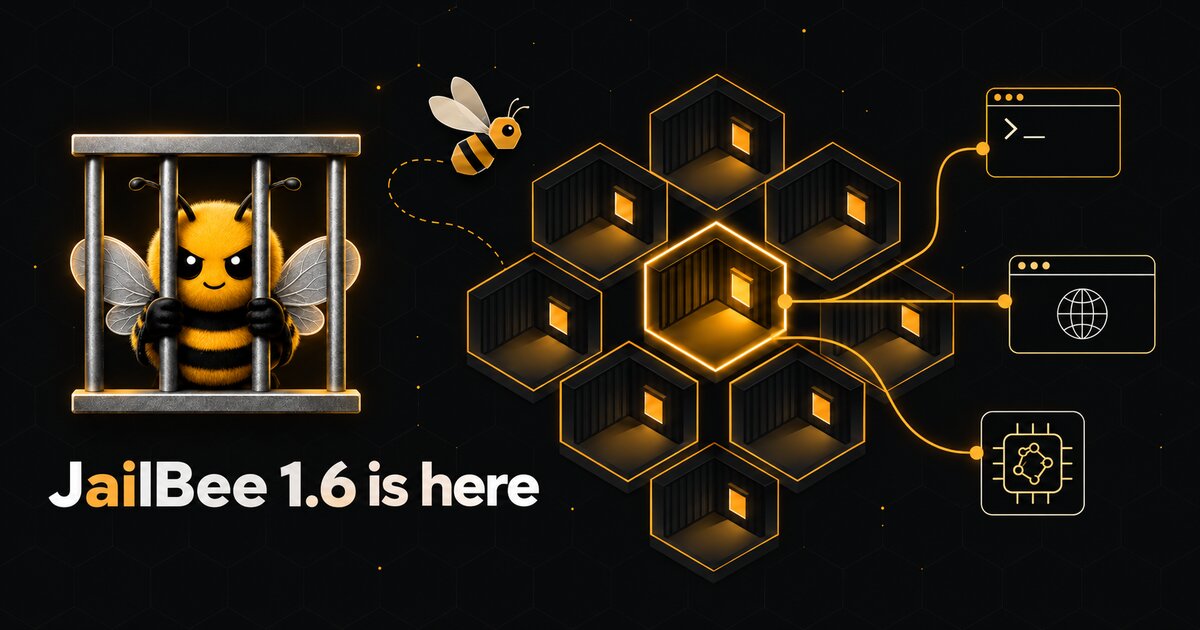
JailBee 1.6 is about reach. The coding agent inside your container is no longer tied to one vendor's models, you no longer have to sit at the host to use the same containers, and the dashboard shows what is going on without making you attach to each one.
Claude Code on other models
claude-jb starts Claude Code against a LiteLLM proxy that JailBee runs in
its own container. Plain claude stays exactly as it was, and the two can run
side by side in the same dev container. The built-in codex profile maps
Claude Code's four tiers (Fable, Opus, Sonnet, Haiku) to models on a ChatGPT
subscription, and any LiteLLM provider with an API key works as a route. An
xai/ route marked oauth: true can also run on a SuperGrok or X Premium+
subscription (jailbee litellm login --provider xai; experimental).
Set litellm.enabled: true in ~/.config/jailbee/global.yaml, then:
jailbee litellm up         # create the proxy
jailbee litellm login      # ChatGPT device-code login
jailbee litellm up         # start the account that just logged in
jailbee base build         # the golden image now ships claude-jb
jailbee apply              # in each repo
claude-jb --model haiku    # inside a container
This is also the answer for anyone who reached for opencode to get ChatGPT
models into a container: opencode keeps its sessions, auth tokens included, in
a database that cannot be shared safely between containers, so it has to log
in once per container. claude-jb logs in once on the host.
A few details we are happy with:
- Several accounts side by side. Each ChatGPT login gets its own proxy instance, and a profile names the account that serves it.
- Per-repo overrides. A repo can remap routes and profiles in its host-local config, without touching the committed one.
- Live reloads. Edit a route and run
jailbee apply: the change is loaded into the running proxy, and your open sessions carry on. - A contained proxy. Its logins live in an Incus volume, never on the host filesystem, and its egress is limited to the hosts your routes need.
The LiteLLM guide covers setup and the limits.
JailBee over SSH, windows and files included
The optional SSH service lets you reach the dashboard, a restricted console, or
policy-controlled one-shot commands on your JailBee host from another machine.
It listens on localhost until you change remote.ssh.listen, so reach it
through your existing SSH access to the host. It is key-only, offers no host
shell, and by default refuses host-management commands
(remote.ssh.restrict_host). See the
remote.ssh reference for the policy modes.
Two pieces are new in 1.6. The first is the GUI. Turn on remote.ssh.gui and run
jb display up, and jb chrome, jb ide and the other launchers draw on a
shared RDP display instead of being refused. Forward one port through your SSH
connection, open any RDP client, and the windows from all your containers
appear side by side on one screen.
ssh -N -L 3389:127.0.0.1:13389 -p 8022 jailbee@your-host
# then point an RDP client at localhost:3389
The display checks no credentials of its own, so the SSH tunnel is the boundary; Remote GUI over SSH explains what that does and does not give you.
The second is file transfer. With remote.ssh.files: true, stock sftp and
scp reach the repository directory of each running container, in both
directions. The server shows a virtual tree with one directory per container;
the host filesystem and the rest of the container (home directory, credentials,
agent state) stay out of reach, a symlink that leads out of the repository is
never followed, and every operation lands in the audit log.
scp -P 8022 notes.md jailbee@your-host:<container>/docs/
File transfer has the details.
A dashboard that tells you more
You can now see what each container's agent is doing: jailbee ls and both
dashboards gain an AGENT column, read from the agent's own session files, and
the Qt cards show the reason as a tooltip. The terminal dashboard also creates
containers in the background, destroys one with D, and has an inline !
command line with Tab completion. You can fold and hide repos, and
jailbee outbox browses the PR and issue proposals your agents have staged.
And there is more
This is the short list. 1.6 also brings:
- a host-local config layer,
~/.config/jailbee/repos/<prefix>.yaml, for what is yours on one repo, such as its GitHub token; - a stored-login pool,
jailbee account, built for more than one agent; jailbee prwritten by any agent, not just Claude;- host-wide agent instructions in
~/.config/jailbee/AGENTS.md; - a host-gated GitHub issue outbox: agents stage issue changes, you publish
them with
jailbee issue apply; DIFFand↑/↓injailbee lsmeasured against the host's live target branch;- an optional work network with stable addresses (
jailbee net migrate).
The full list is in the changelog.
Start with installation if you are new.